

Blog
Windows 11 Pro Installation and Activation Guide

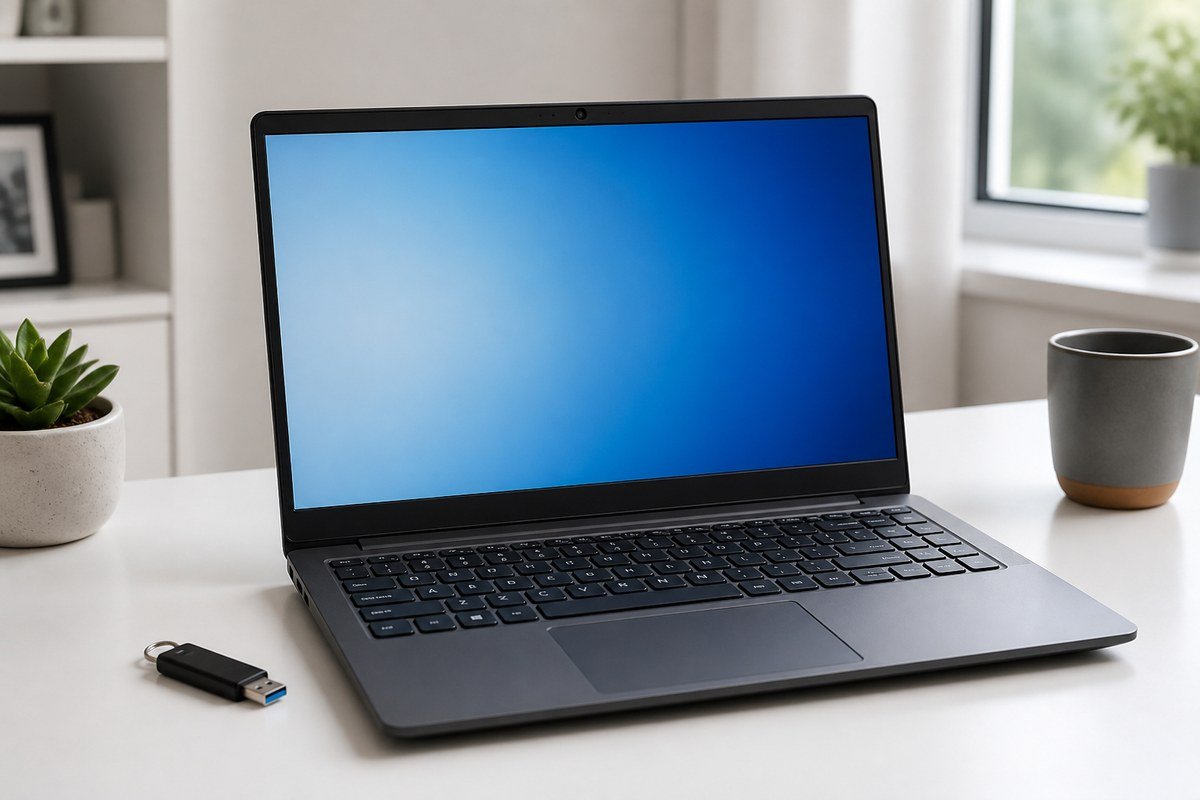
A clean Windows 11 Pro install is straightforward when you prepare media, backups and your license before you reboot. This KEYTIVO guide covers a practical path from install to activation.
Before you begin
- Back up important files to an external drive or cloud storage.
- Note hardware drivers you may need offline (network adapters especially).
- Have your Windows 11 Professional license ready after purchase from KEYTIVO.
- Confirm the PC meets Windows 11 requirements (TPM, Secure Boot, supported CPU).
Create installation media
Use Microsoft’s official Windows 11 installation media creation tools on a spare USB drive. Do not download Windows images from unrelated third-party mirrors.
Install Windows 11 Pro
- Boot from the USB installer.
- Choose language and keyboard options.
- Select the Pro edition when prompted by the installer.
- Delete or format the target partition only if you intend a clean install and have backups.
- Complete out-of-box setup (region, network, user account).
Activate Windows 11 Pro
- Open Settings → System → Activation.
- Choose the option to change or enter a product key.
- Enter the digital license provided after your KEYTIVO purchase.
- Connect to the internet so activation can complete.
If Windows reports it cannot activate, double-check the key edition matches Pro, confirm the network works and retry. Hardware changes can sometimes require reactivation—keep your license record accessible.
After activation
- Run Windows Update until critical patches are installed.
- Install chipset, GPU and network drivers from the PC vendor.
- Enable BitLocker if your business policy requires disk encryption on Pro.
- Join Entra ID / domain only after activation succeeds.
Common mistakes to avoid
- Installing Home accidentally on a business laptop that needs Pro features
- Entering a different edition key than the installed edition
- Skipping backups before a clean install
- Activating while offline and assuming it failed permanently
Conclusion
Prepare media, install the Pro edition deliberately, then activate with your KEYTIVO digital license. When you need another seat or device license, return to the Windows category and keep your activation records organized.
Related Posts

Essential Microsoft Software for Small Businesses in 2026
A practical KEYTIVO guide to the Microsoft apps small teams actually need—Windows, Microsoft 365, Project, Power BI and Visio—without buying more than you use.
Microsoft 365 vs Office 2024: Which One Should You Choose?
Subscription Microsoft 365 or a one-time Office 2024 license? KEYTIVO explains the real differences so you can buy the right Microsoft productivity suite.
How to Choose the Right Windows 11 Edition in 2026
Home, Pro or Enterprise? KEYTIVO explains which Windows 11 edition fits personal PCs, business laptops and managed company fleets in 2026.

Microsoft Project Plan 3: Features, Benefits and Use Cases
Learn what Microsoft Planner and Project Plan 3 includes, who should buy it, and how KEYTIVO customers use it for real project delivery.

How Microsoft Power BI Helps Businesses Make Better Decisions
See how Microsoft Power BI turns scattered business data into clear dashboards—and how KEYTIVO customers typically start with Pro licensing.

Microsoft Visio: Plans, Features and Who It Is For
Visio Plan 1 or Plan 2? KEYTIVO explains Microsoft Visio plans, core features and which roles benefit most from diagramming software.
Best Laptops for Windows 11 in 2026
A practical KEYTIVO buying guide to choosing Windows 11 laptops in 2026—CPU, RAM, display and which Windows edition to install.